
Unfinished checkouts
See where interested shoppers left and follow up with permission.
E-commerce CRM for online sellers
Take orders from your website and WhatsApp, then manage stock, staff, deliveries and repeat sales in one workspace.
30 days on the free trial
See how Sellastore helps with the work that can get missed between checkout and delivery.
See where interested shoppers left and follow up with permission.
See which branches and delivery agents have stock available.
Match money received to the deliveries it covers.
Assign an owner to each order and see what still needs attention.
Help buyers with products, prices and order details when your team is busy.
Set reorder reminders around when buyers may need more.
Compare delivered sales, costs and results by product, branch or team member.
Keep orders, stock, deliveries and customer history together.
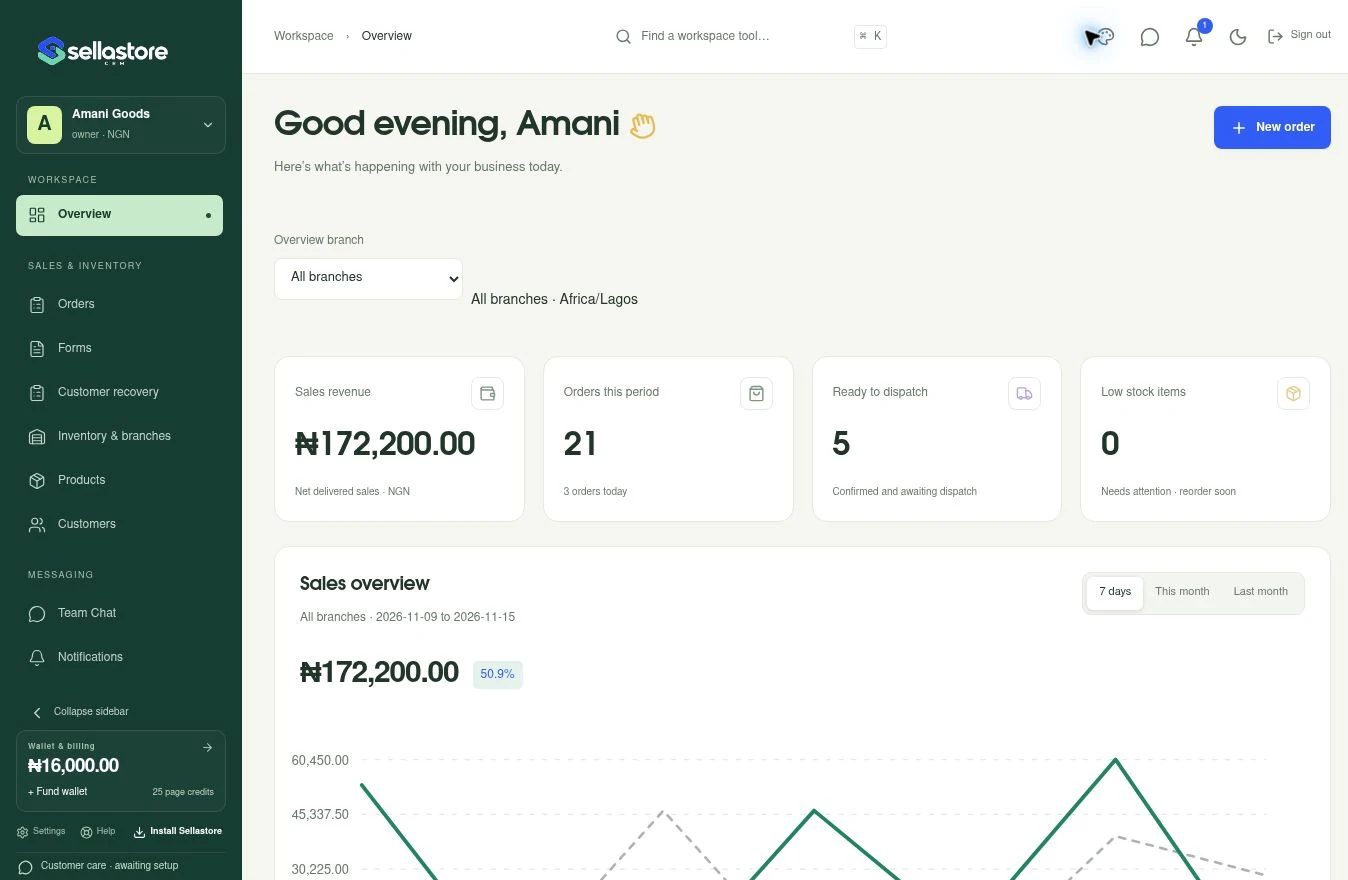
Follow orders, stock, staff and delivery payments from first enquiry to fulfilment.
Order management
Website, checkout-link and eligible WhatsApp orders appear in your workspace. Assign staff and follow each order through confirmation, dispatch, delivery or return.
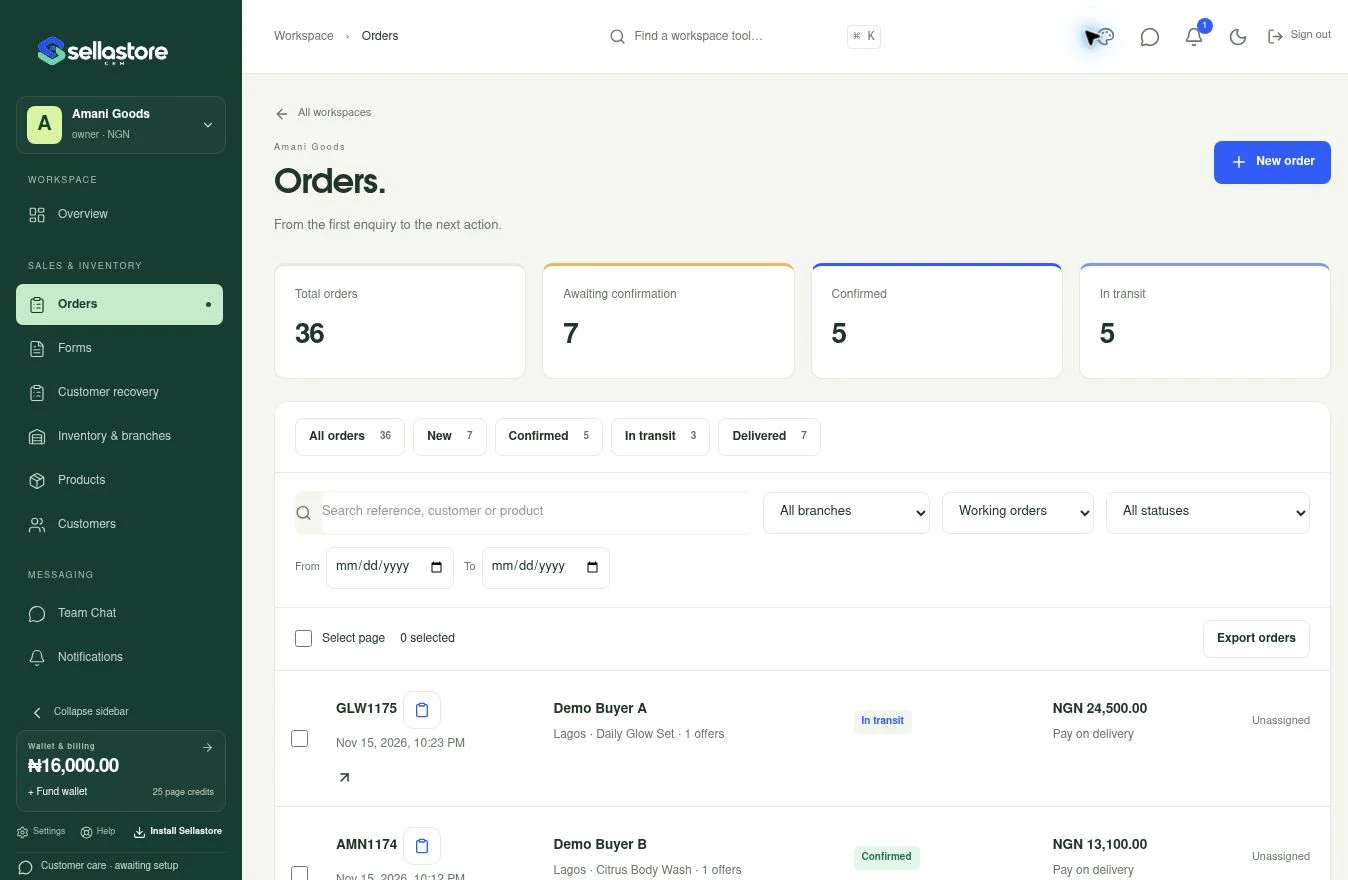
Inventory & warehouses
Track available stock, incoming purchases and stock sent out for delivery, with quantities tied to the orders that use them.
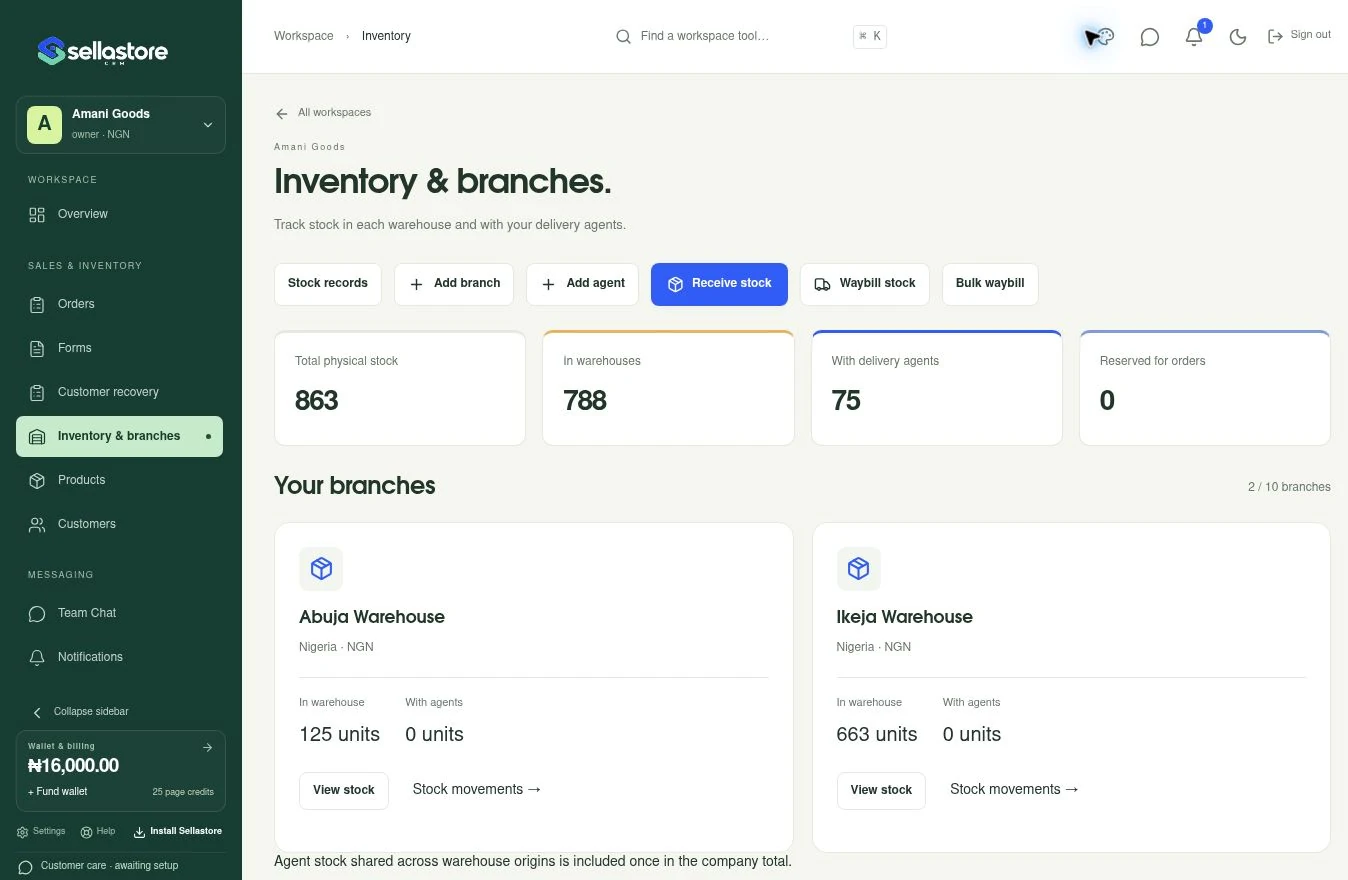
Deliveries & remittances
Assign deliveries to riders, record outcomes and reconcile the cash they collect. Allocate a payment across eligible orders and keep a record of the balance.
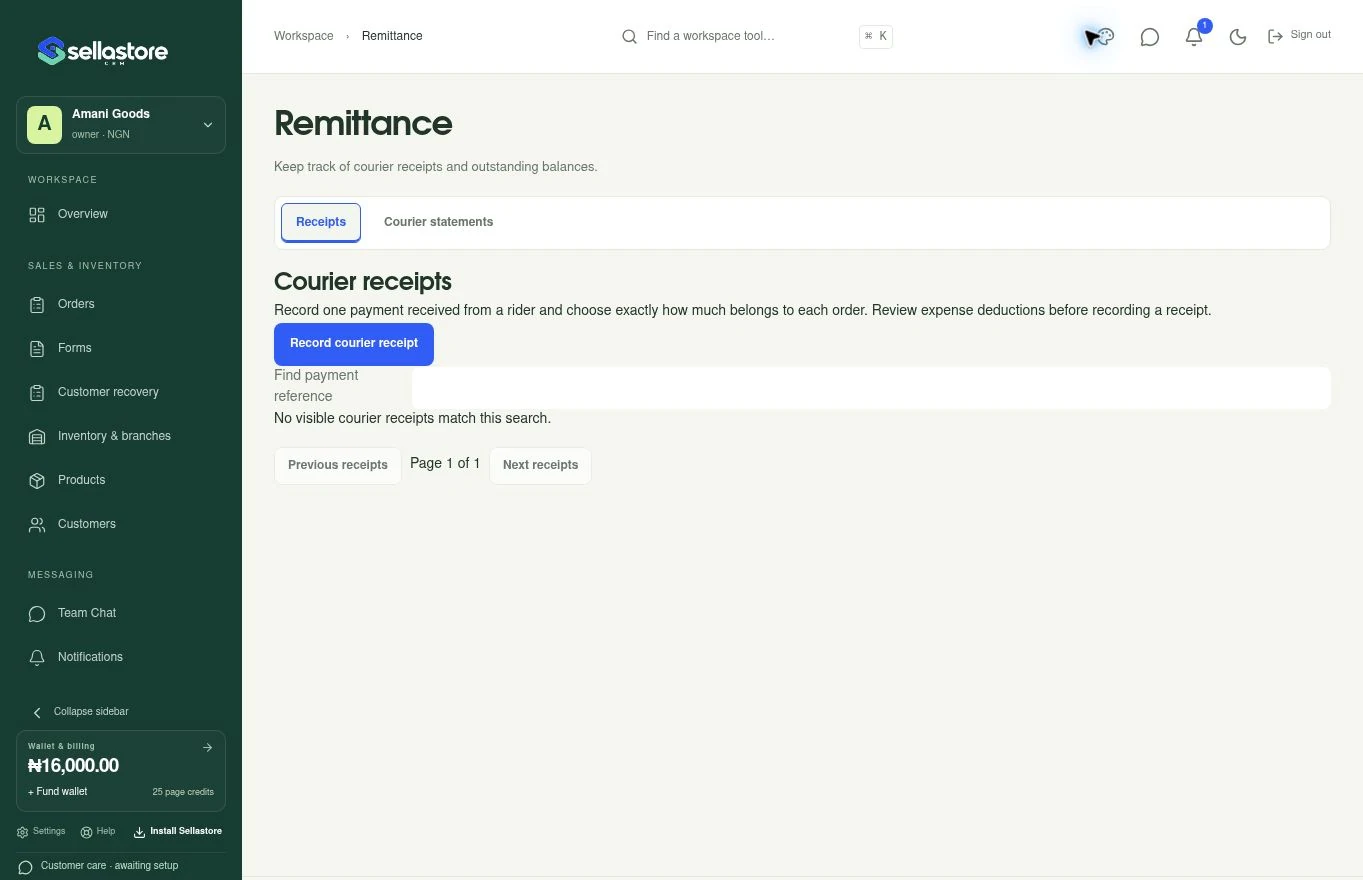
Staff management
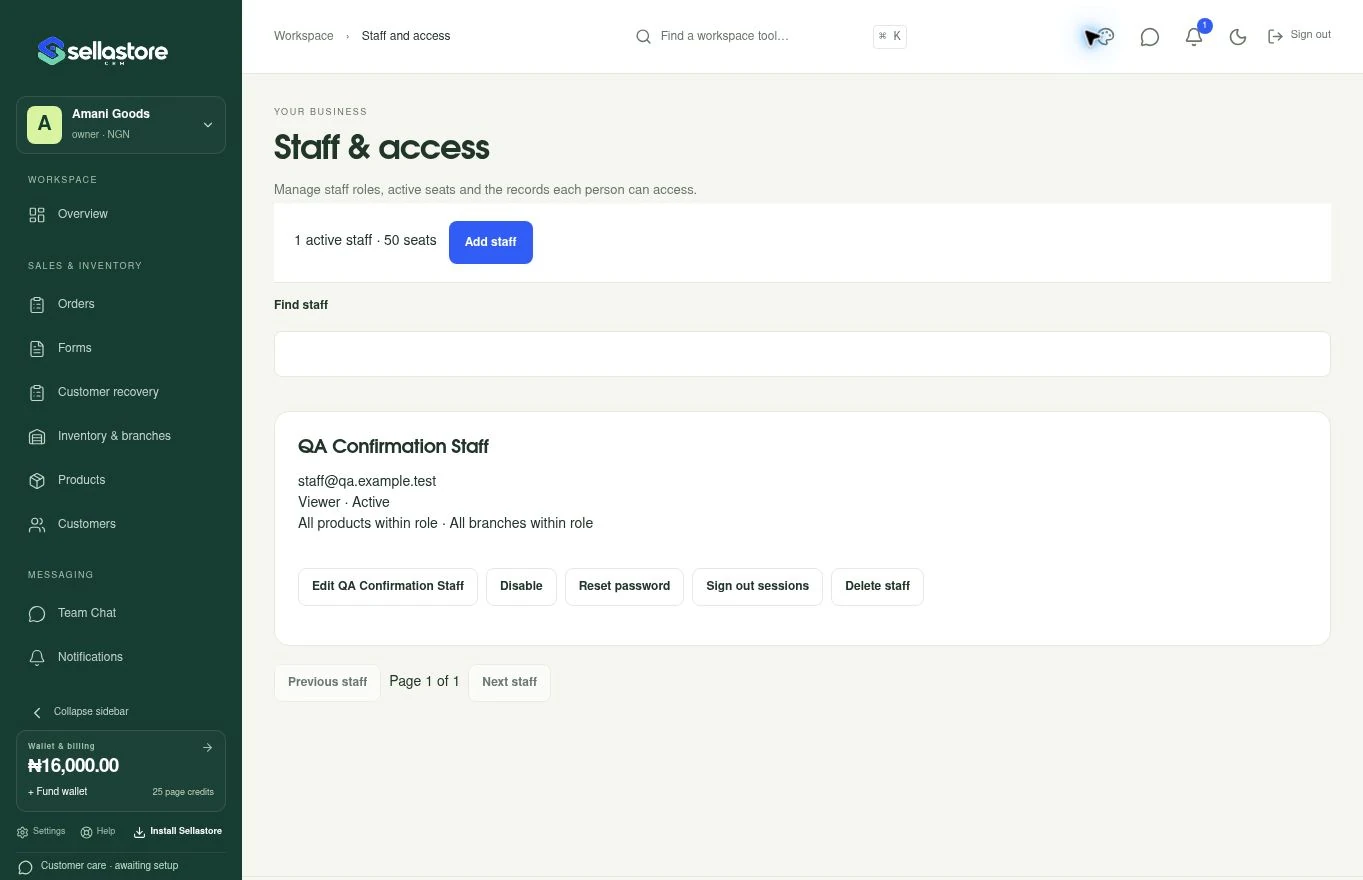
Choose who can see or change orders, products and branch records. Review activity, coordinate in Team Chat, and set salary and commission rules.
Sales pages & checkout
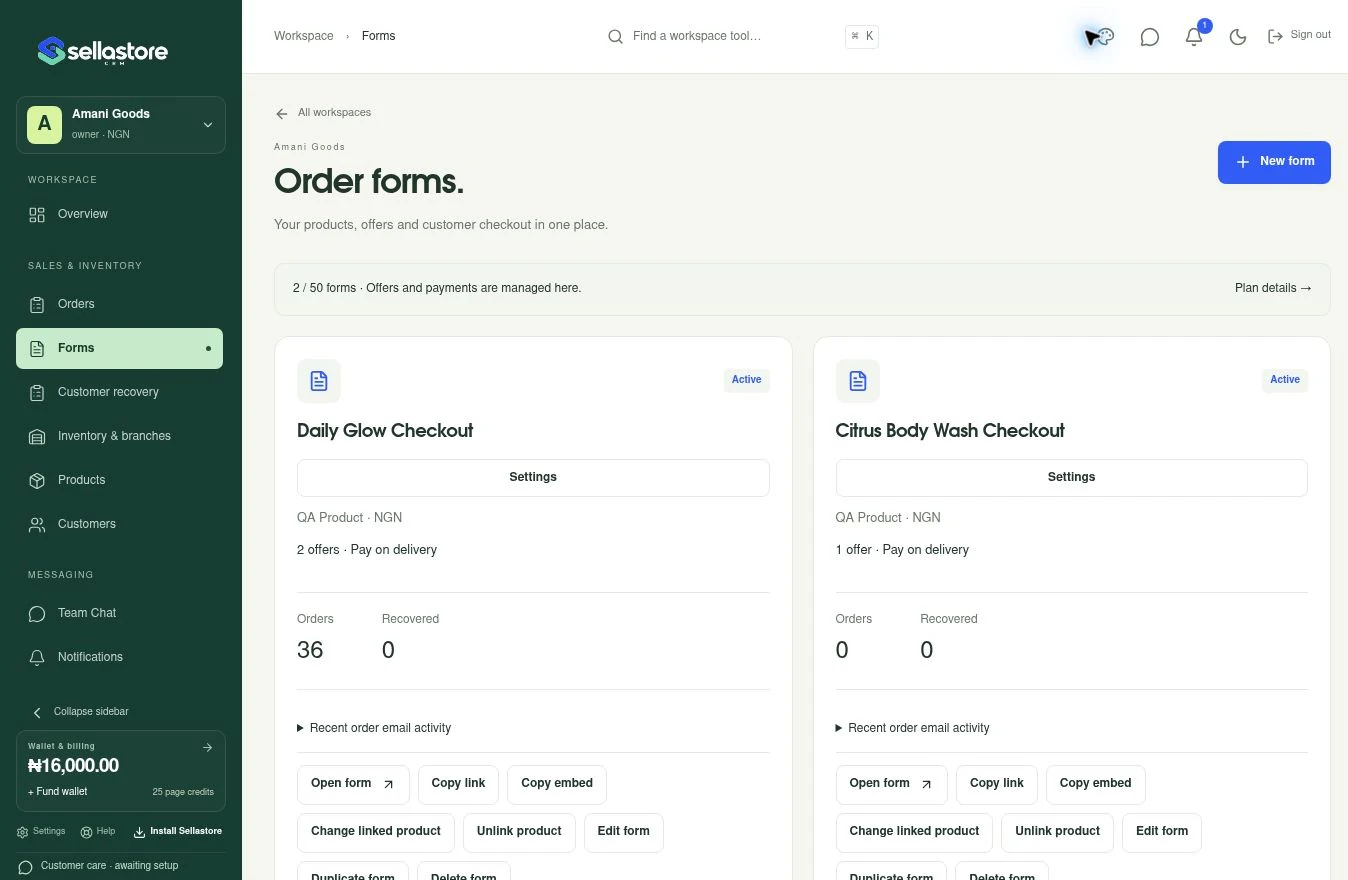
Create checkout forms for your products and offers. Use a hosted link, embed checkout on your website or publish a Sellastore sales page with a form.
Abandoned-checkout recovery
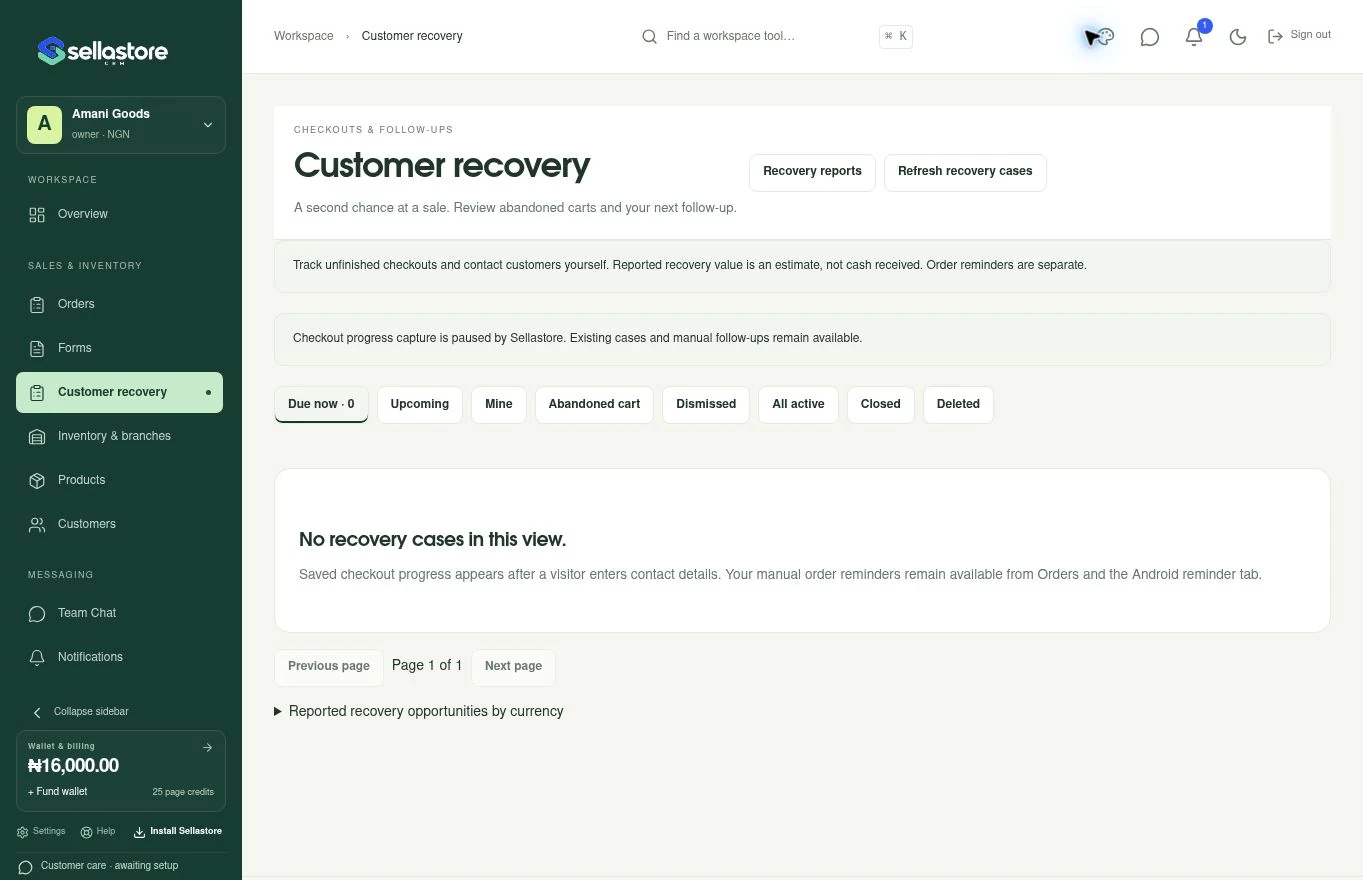
Review captured checkout details and follow up with eligible shoppers. Create the order once the buyer confirms they still want it.
Business analytics
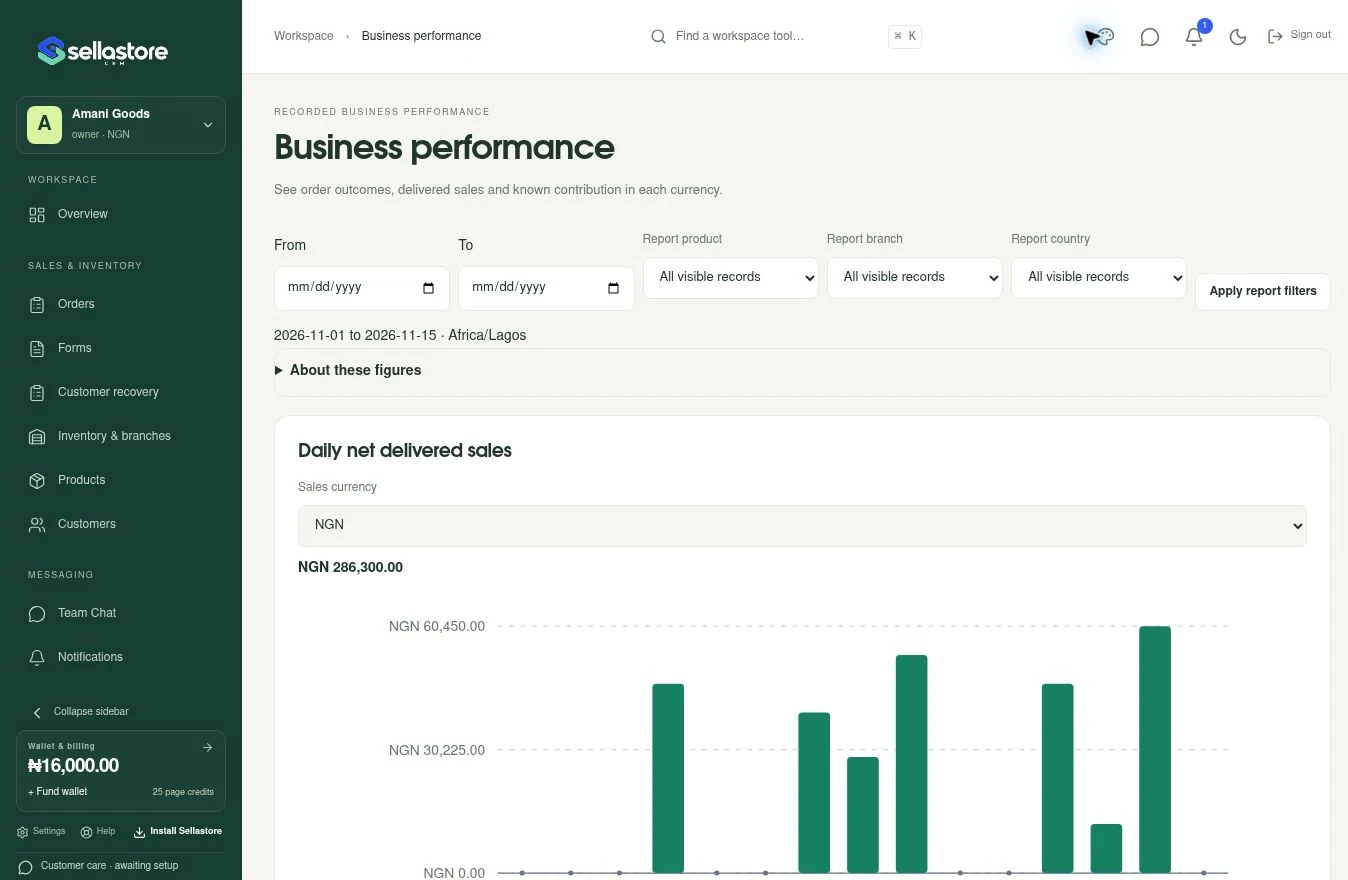
Compare delivered sales, expenses and activity across products, branches, staff and date ranges. Use cashbook and finance reports to review the money you’ve recorded.
Help shoppers decide, build your next sales page and create content for your campaigns.
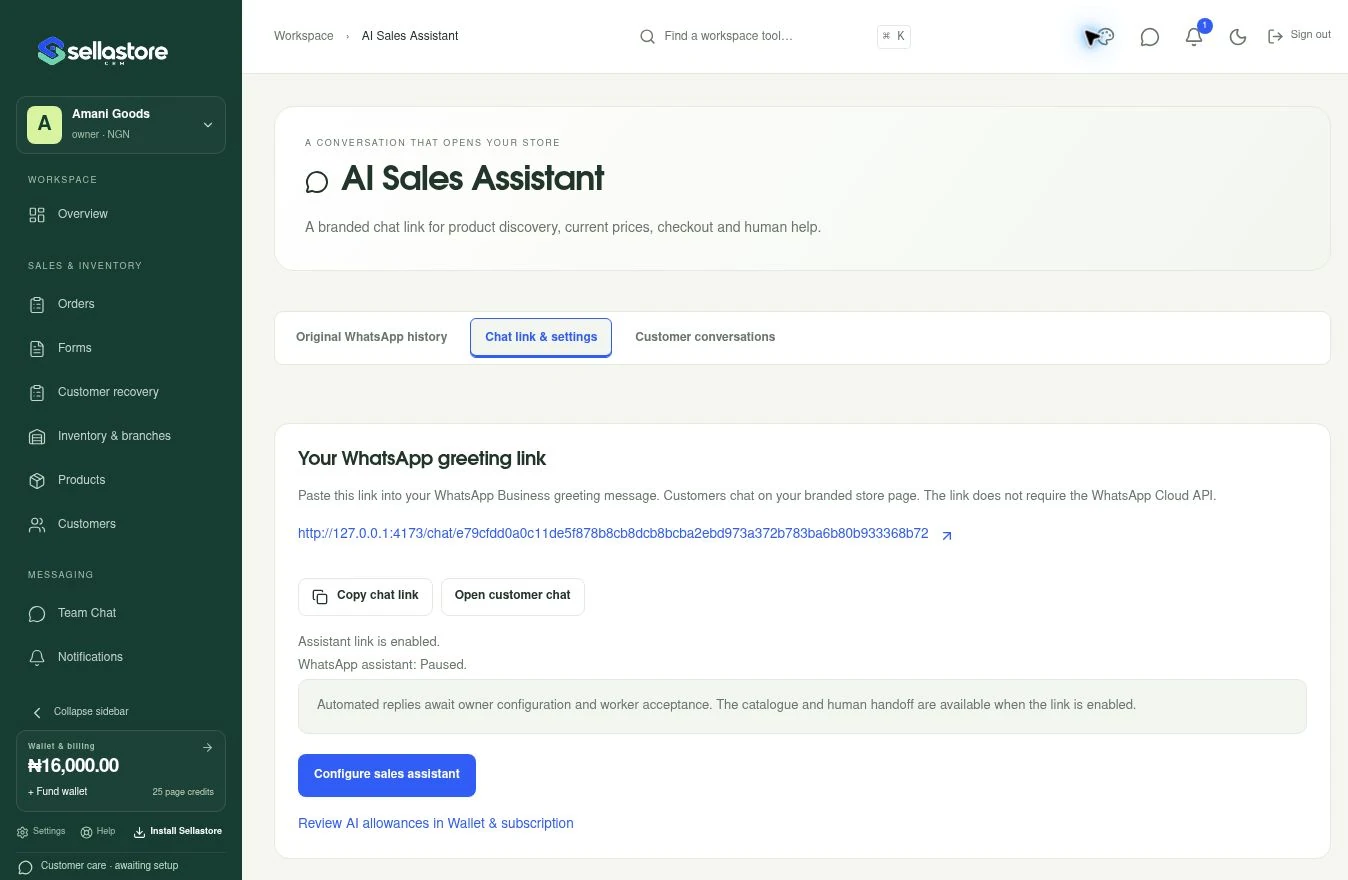
WhatsApp AI Sales Assistant
Use reviewed product information to explain prices, availability and delivery. Share sales links, collect order details and hand conversations back to your team when needed.
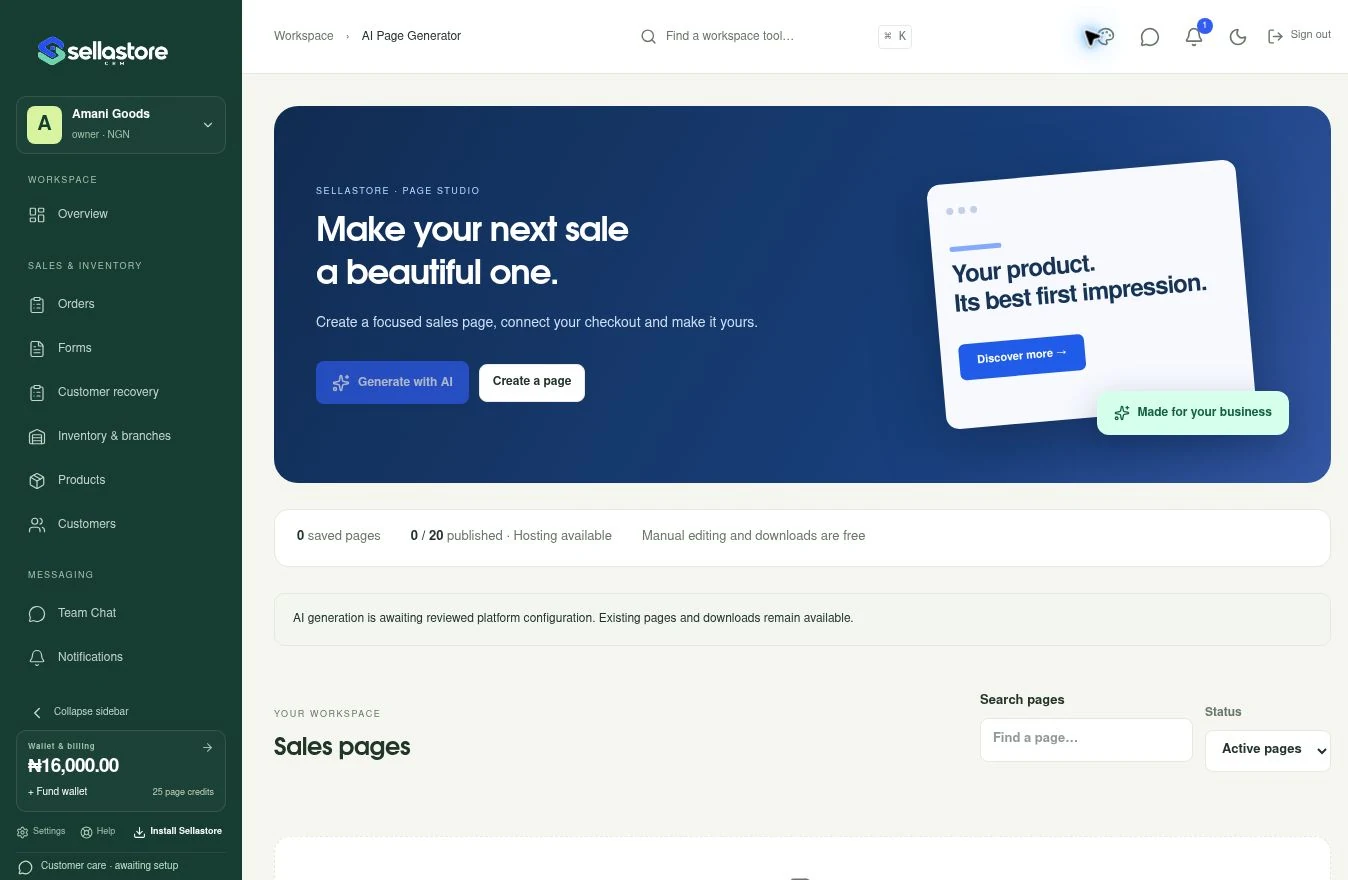
AI Sales Page Generator
Start with a product brief, draft the sales copy and visuals, then connect checkout. Publish with Sellastore or use supported HTML and Elementor exports.
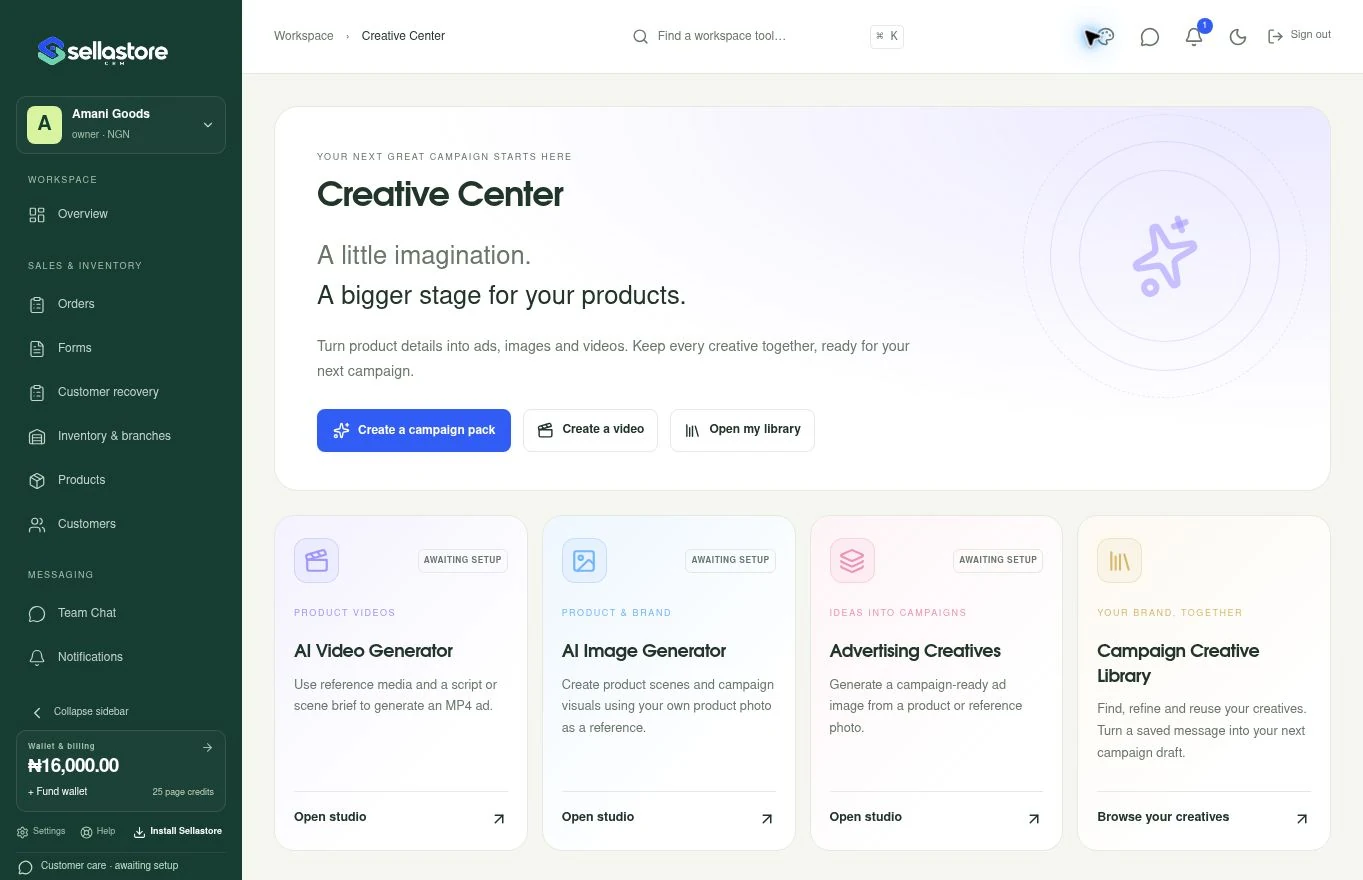
Creative Center
Plan scripts and scenes, generate or upload images, and build video ads using the models enabled for your workspace. Review the Sella AI credit cost before a paid generation.
Ask Sella
Open the floating Ask Sella button in your workspace. Ask a question about the CRM or get help finding the right tool and completing a supported workflow.
Feature access, included usage and channels depend on your plan and the services you connect.
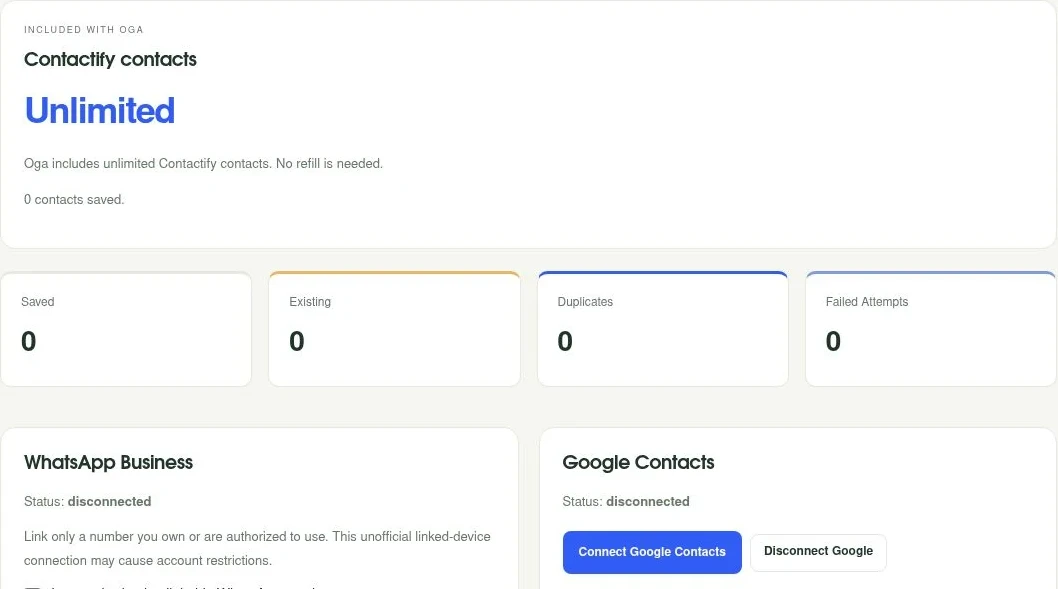
Contactify
Connect a supported WhatsApp linked device and your Google account. Contactify saves eligible new one-to-one senders, checks for duplicates and shows sync history.
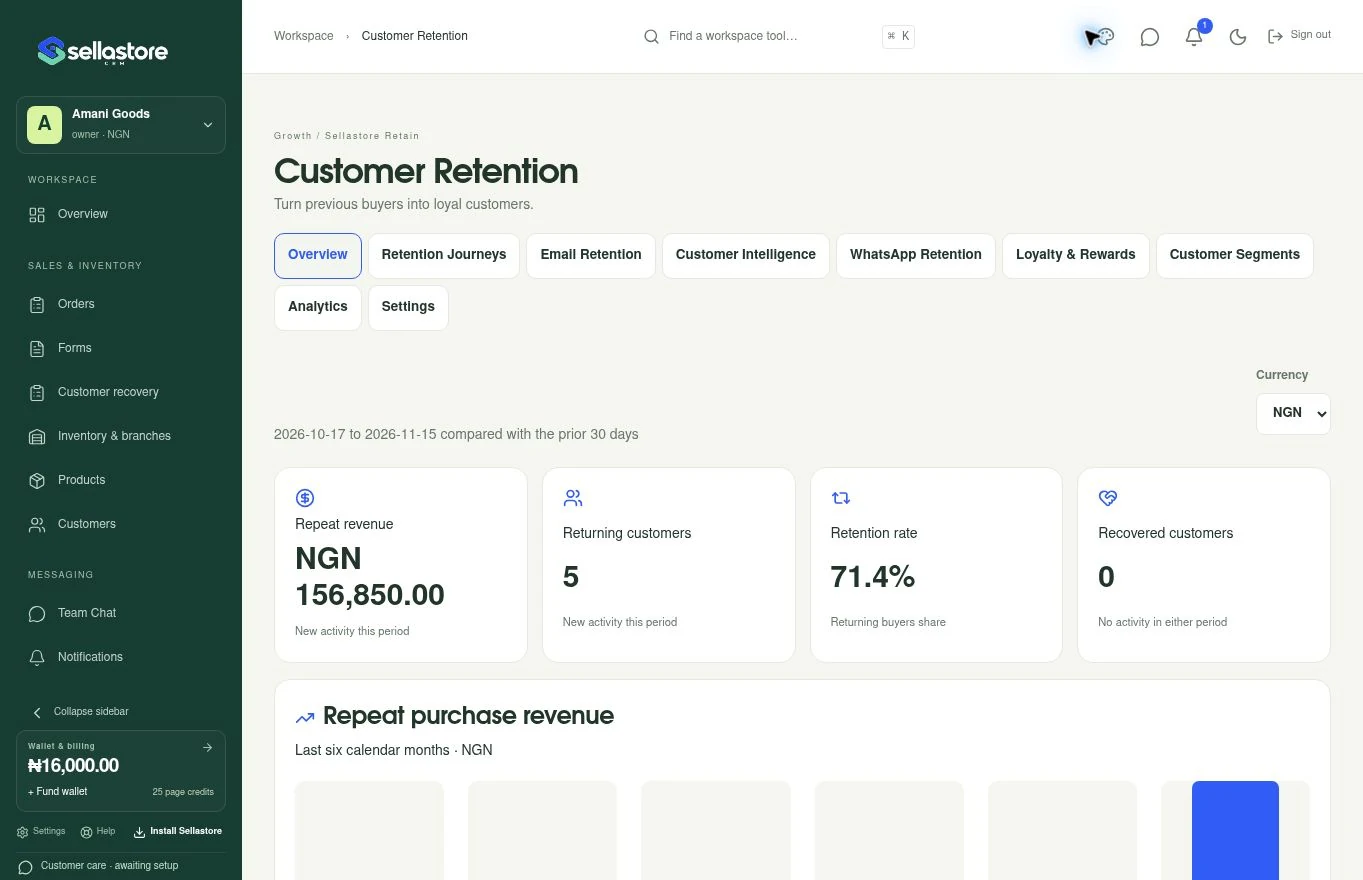
Sella Retain
Set reorder journeys for delivered purchases and follow up by email or eligible WhatsApp. Respect opt-outs and see which eligible reminders led buyers to order again.
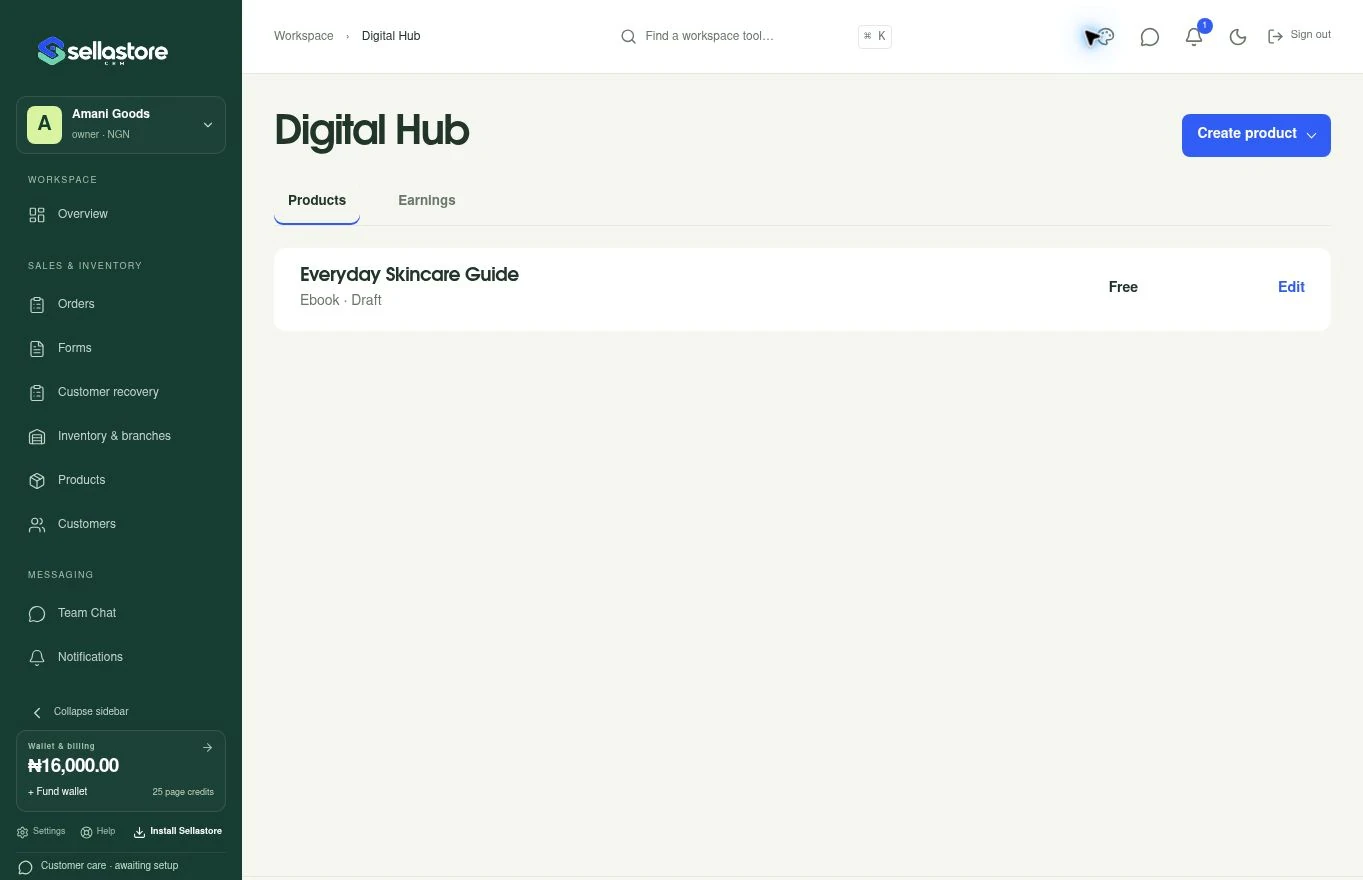
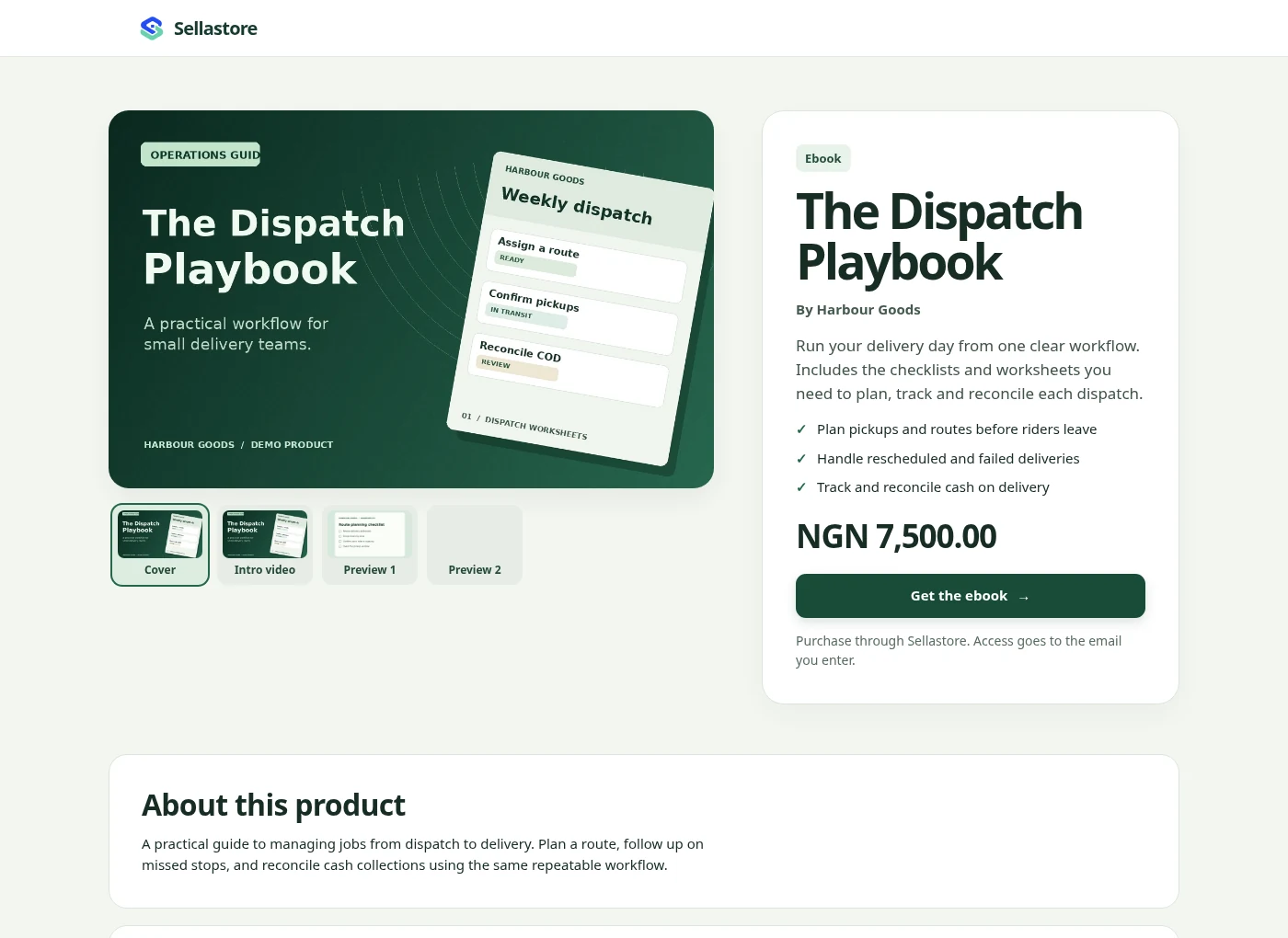
Digital Hub
Create or upload your digital product, give it a cover and intro video, and publish a sales page. Track purchases, access and earnings from the Digital Hub workspace.
Sellastore on the go
Check orders, stock and delivery updates, and see what your team needs to follow up on from your Android phone.
On iPhone, use Sellastore in your browser.
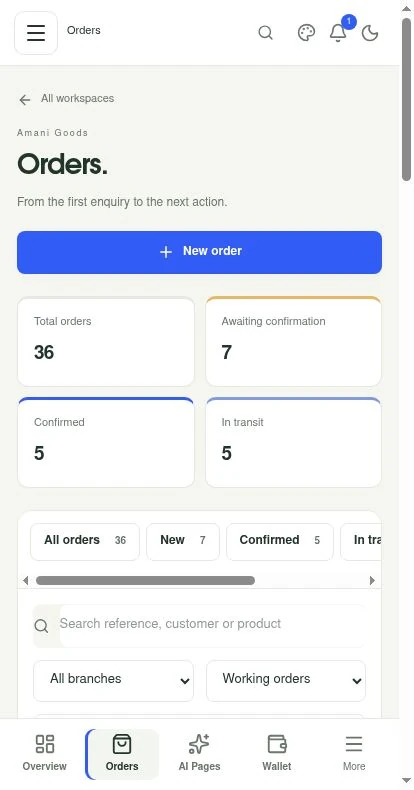
Mobile web workspace
Official previews from Google Play
Tap any screen to see the layout in more detail. The workspace uses demonstration data.
Orders
Inventory
Revenue & performance
Embed a Sellastore checkout form in an HTML block or widget.
Use the supported embed placement for your site or share a hosted checkout link.
Connect a supported merchant account to accept online payments on eligible offers.
Connect the WhatsApp Business Platform and use templates where required.
Connect by QR and review the workspace’s sending limits and messaging permissions.
Send from workspaces with SMS delivery configured and enabled.
Use the platform email connection for supported campaigns and notifications.
Link your account in Contactify to sync eligible WhatsApp contacts.
Choose your business country, currency and time zone, then set up your team.
Create products, offers and checkout forms, or build a product sales page.
Assign staff, check stock and follow each order through delivery and payment.
Use the AI tools, retention journeys and reports available to your workspace.
Before Sellastore, I used to check WhatsApp and call my staff almost every time I wanted an order update. Now I can easily see what’s going on from my dashboard. It has made managing orders much easier for me.
The Android app is one thing I really like about Sellastore. I don’t need to carry my laptop everywhere. Once I get an order, I can check it from my phone, see what my staff are doing and follow up on deliveries. Very convenient.
I sell products across different locations, so keeping track of stock used to be stressful. With Sellastore, I can see what we have available and what has gone out. It saves me from calling everyone just to confirm stock.
What made me continue using Sellastore was the order and remittance tracking. Before, I sometimes had to go through different records to know what a delivery agent was owing. Having everything organized in one place has really helped.
Compare subscription terms and included usage. Prices are in Nigerian naira.
For smaller stores with a core product range.
₦12,000 per month
₦66,000 for 6 months
₦120,000 for 12 months
For growing shops adding products and staff.
₦20,000 per month
₦110,000 for 6 months
₦200,000 for 12 months
For established sellers with more orders and branches.
₦30,000 per month
₦165,000 for 6 months
₦290,000 for 12 months
For high-volume teams that use more AI and messaging.
₦50,000 per month
₦270,000 for 6 months
₦520,000 for 12 months
Subscriptions include plan allowances. Review the price for paid messages, AI actions and refills before confirming. Sign in to manage your plan
Start Your Free Trial
Set up your workspace, add a branch and product, and receive your first order.

Add your checkout to WordPress, Elementor or your own HTML page.

Grow your orders, team and stock while keeping track of your costs and cash.
Choose product offers, capture customer and delivery details, assign an order to staff and a courier, then follow confirmation, dispatch, delivery and returns. Search and filter the records your role can access.
Track products in branches and with delivery agents. Record stock receipts, supplier purchases, transfers and dispatches so physical quantities stay connected to the orders that use them.
Review outstanding pay-on-delivery balances, approved courier fees and deductions. Allocate one received payment across several orders and compare a courier statement with the figures already recorded.
Keep merchant money records, expenses and supplier payments alongside your sales. Review delivered sales and recorded costs by currency, date, product, branch and staff. These are business records; recording money does not make a bank transfer.
Manage staff permissions, assign forms and conversations, and review order activity. Record salary and commission rules, with private staff-pay estimates and adjustments rather than automatic payroll payments.
Review abandoned checkouts and customer history. Plan retention follow-ups and event-based automation, use reusable message templates and review campaign costs. Available channels and automated features depend on your plan and connected service.
Contactify can save eligible individual WhatsApp senders to your connected Google Contacts account and check for duplicates. View the contacts remaining in your allowance and manage eligible refills in billing.
Generate a product sales page, refine it with free manual edits and publish or export the saved result. Attach your checkout and sales assistant so a customer can ask questions, request a person and place an order using saved product prices.
Share a hosted form or embed it on WordPress, Elementor and custom pages. Supported website connections are available on eligible plans.
Offer pay on delivery, your bank details or a connected merchant Paystack checkout. Your Sellastore wallet and subscription remain separate from customer sales payments.
Use the channels enabled for your workspace. Official WhatsApp and QR-linked connections have different setup requirements; review the connection, delivery rules and quoted cost before sending.
Use the responsive web workspace and the available Android app. Browser push depends on device support; your notification inbox remains available in the workspace.
Sellastore is an e-commerce workspace for taking orders, managing stock and staff, tracking deliveries and following up with customers.
Sellastore supports online sellers of physical products, delivery-based businesses and creators selling courses, ebooks or downloads.
You can start with a hosted checkout link or publish a Sellastore sales page. You can also embed checkout on an existing site.
Yes. Copy the embed code from Forms and paste it into a WordPress Custom HTML block or Elementor HTML widget.
Share a checkout link, embed a form, or connect a supported sales assistant. Your workspace shows the submitted orders so your team can confirm and fulfil them.
Record purchases, stock receipts, transfers and dispatches. View quantities by branch or delivery agent and track movements connected to orders.
Yes, within your plan’s branch allowance. Give staff access to relevant locations and compare branch stock and sales.
On eligible plans, connect a supported service and review the product facts and rules the assistant can use. It can answer buying questions, collect order details and hand over to your team.
Link a supported WhatsApp device and Google Contacts. Contactify checks for duplicate numbers when saving eligible one-to-one senders.
Yes. The Sellastore CRM Android app is on Google Play. Owners and staff can also use the responsive workspace on Android and iPhone browsers.
Sella AI credits pay for eligible AI actions. Allowances follow your plan and paid actions show their credit cost before you confirm.
Open Remittance to see outstanding cash-on-delivery balances. Allocate a payment you received to one or more eligible delivered orders.
New eligible workspaces can start a 30-day trial. Registration shows the current trial terms.
Open Wallet & billing to see the available plans, billing periods and applicable changes for your workspace.
Included usage varies by plan. Sellastore quotes eligible paid messaging and AI actions before you confirm. Connected providers may also have their own fees.
Yes. Digital Hub supports courses, ebooks and downloads with a buyer-facing sales page and access after payment.
Yes. Workspace owners manage staff permissions and assignments. The sales assistant supports human handoff so your team can take over.
Open Partners to review the current programme terms and apply. Eligible referrals and earnings appear in the partner portal, subject to the programme’s current approval and payment rules.
Bring your orders, inventory, staff, deliveries and customer follow-ups together with Sellastore CRM.
Sellastore CRM. Grow Your Business with Sellastore!

